Your team, set up right from day one.
Invite staff, collect their credentials, assign training, and give each person exactly the access their role needs, all in one place.
Team & Onboarding is one part of the whole.
Every tool shares the same patients, notes and claims. No handoffs between vendors.
One invitation, and they take it from there.
Send an invitation and the new hire sets up their own sign-in, uploads their documents and works through onboarding.
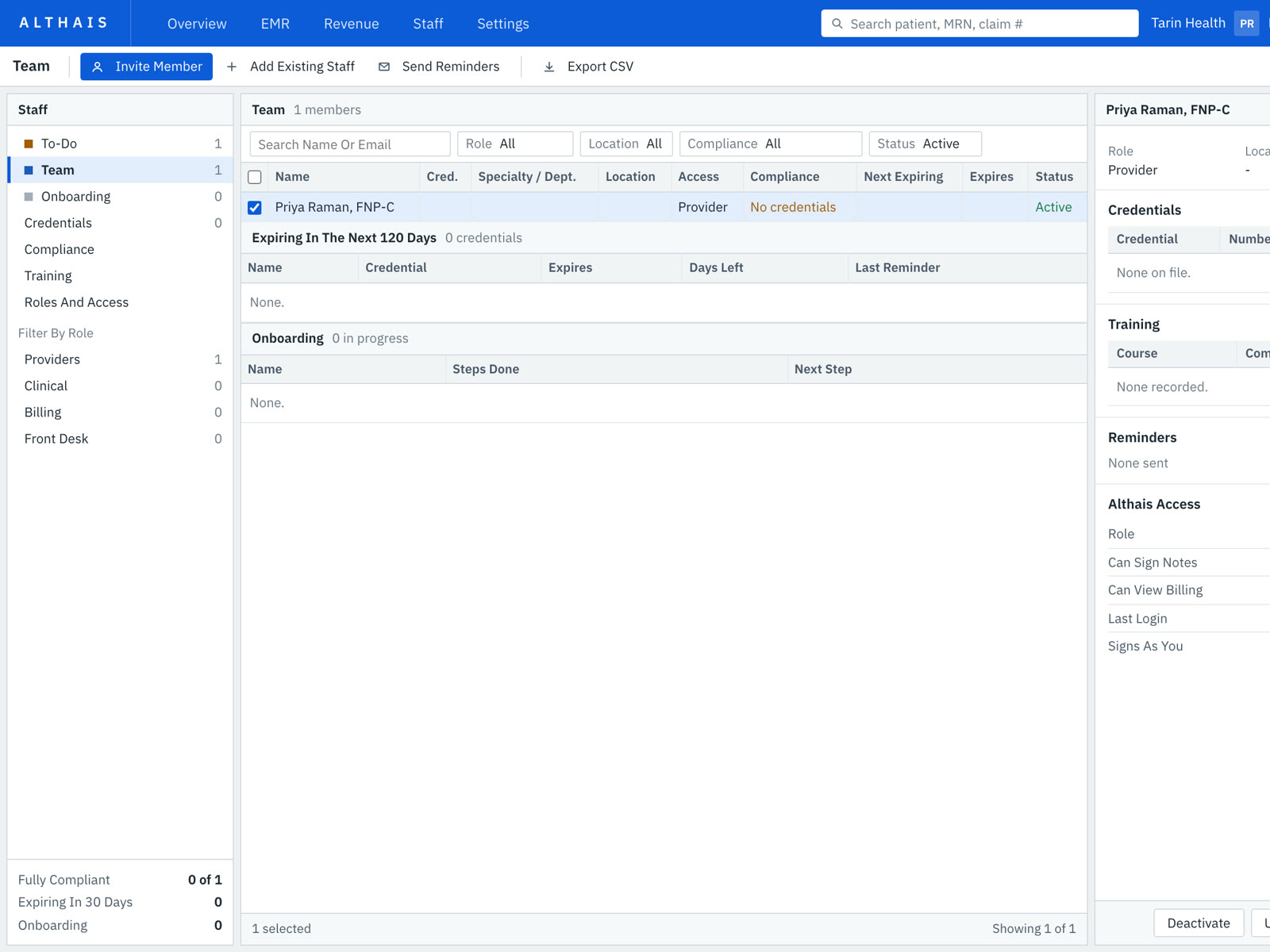
Exactly the access each role needs.
Providers sign notes, billers work claims, and the front desk registers patients and schedules. Each person's access is shown on their profile.
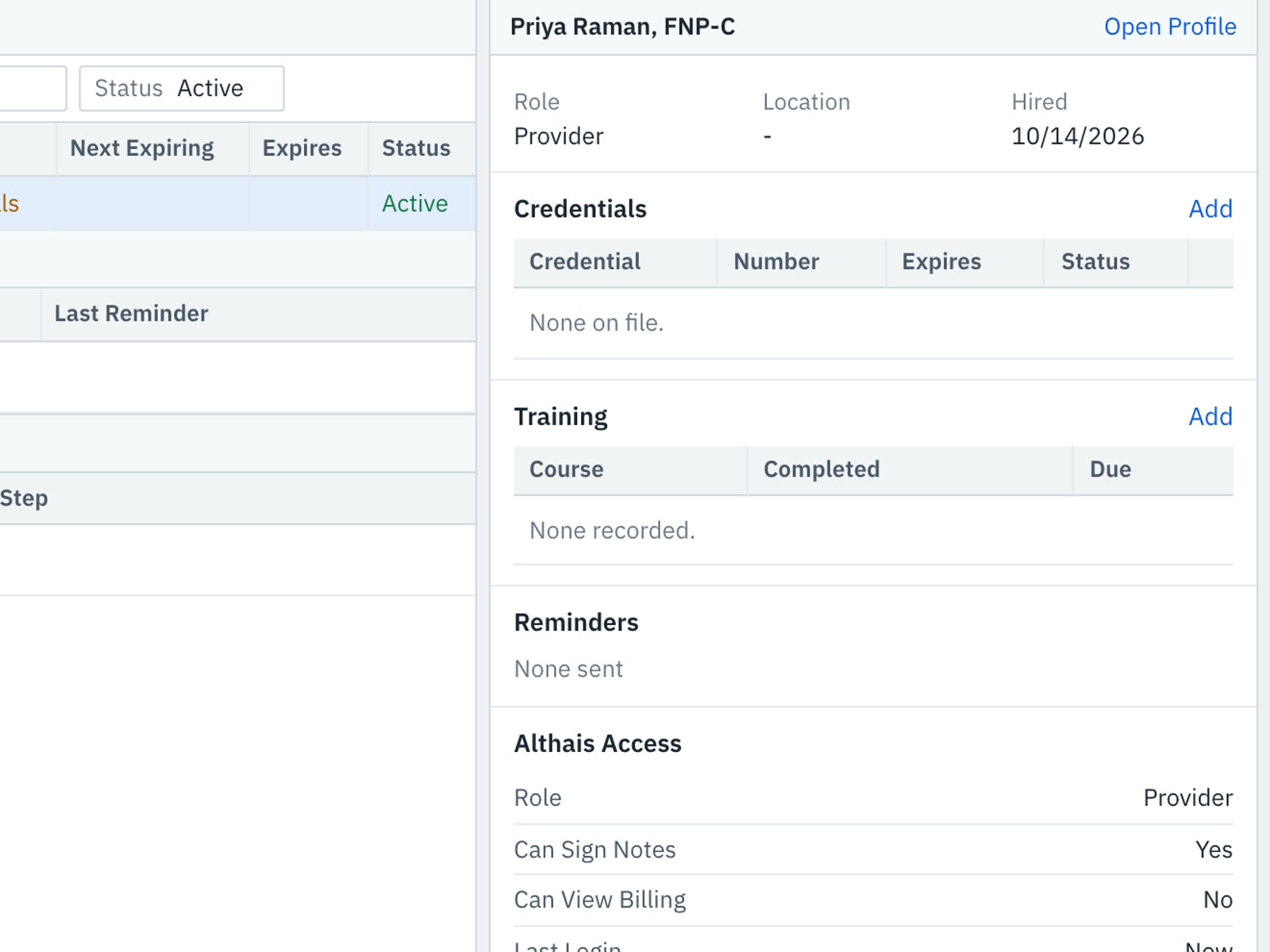
Credentials and training, never out of date.
Credentials with expiry dates, training with due dates, and reminders before anything lapses.
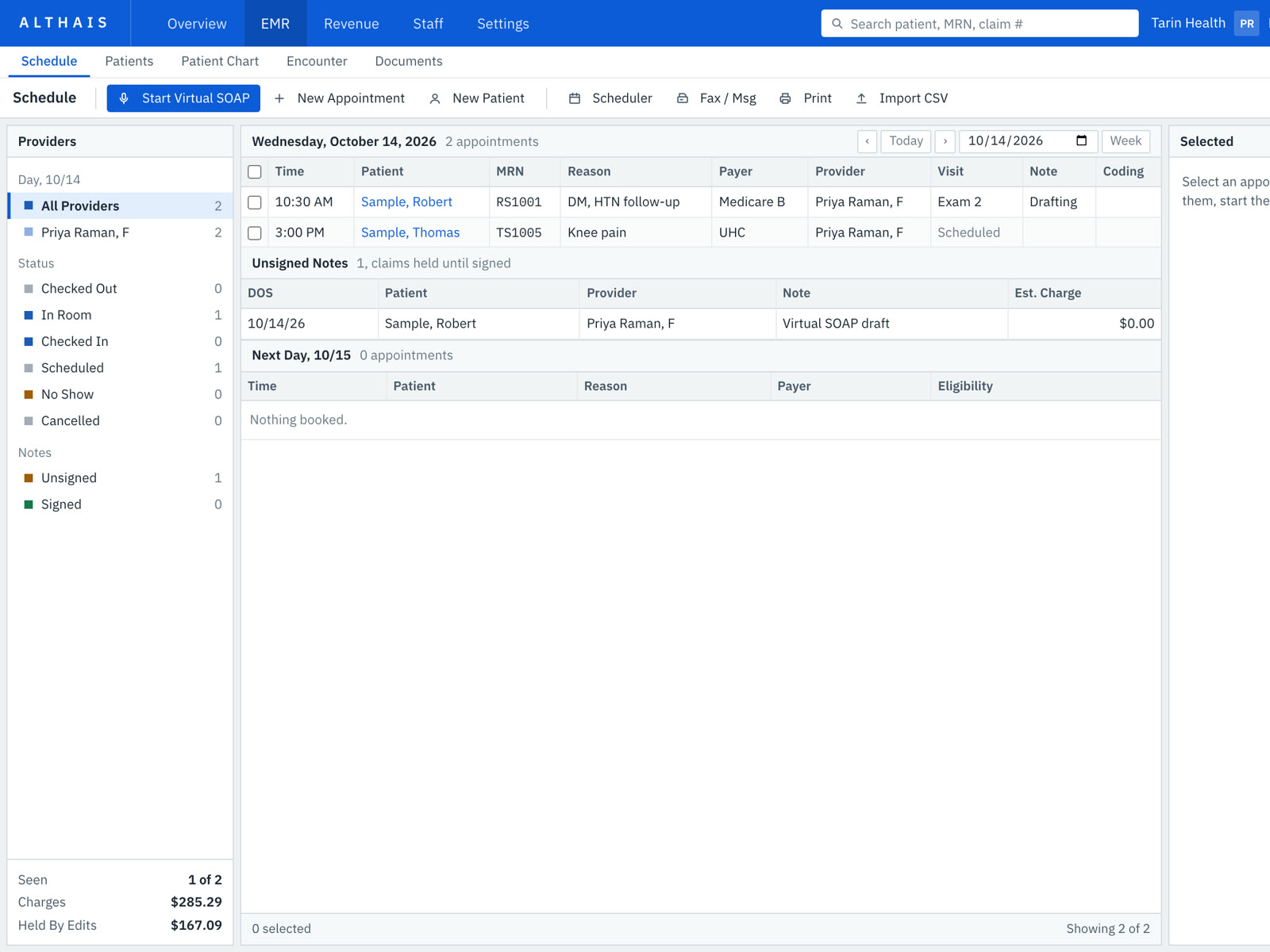
The whole clinic, on one schedule.
Every provider's day in one view, with rooms, visit types and who's waiting.
Try Team.
Invite someone and watch.
The Althais Team screen with a sample clinic. Invite a person, watch them move through onboarding, and see exactly what each role can open.
| Name | Role | Onboarding | Status |
|---|
Managers can change any role's access. Billers can't send claims until billing training is done.